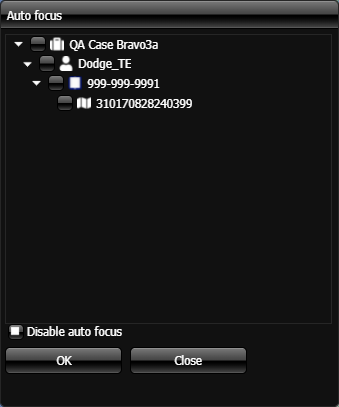
Auto focus dialog box
The Auto focus dialog box is opened by clicking  on the GATA panel. It allows you to set whether or not the map automatically centers a new event on the map when it arrives. The people, phones and CASEIDs (LIIDs) that are displayed are for the case you selected on the Case Settings dialog box. You can also set to center the map on a field unit each time it moves. The field units listed are either GAR and GATA units, Bluetooth GPS Cradlepoint units, and Over-The-Air units that have been selected on OSS-ESPA's Sentinel screen by the monitor for your case; that is the case you currently have selected on the Case Settings dialog box. Your selection is also retained for use at a later date when you reopen the case.
NOTE: To auto focus on a specific phone or CASEID (LIID) , the phone number or CASEID (LIID) itself must be selected on the Case Settings dialog box.